
Play Now
Join a Game
Characters
Shop
Tools
Compendium
Community

Sign In

Play Now
Join a Game
Characters
Shop
Tools
Compendium
Community
Sign In
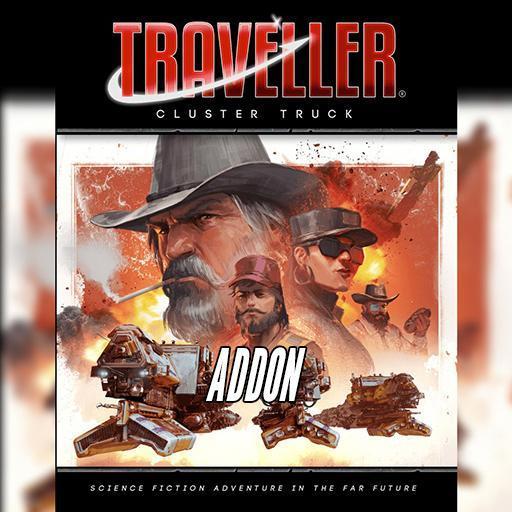
A complete mini-campaign for Mongoose Traveller 2nd Edition
For centuries the Truckers have kept the worlds of the Estuary Cluster connected. Long years, hard years, but proud years. Trucking is a way of life, even if it ends with a Trucker’s Wake.
Now the corporate shipping lines want to take over the spacelanes. Canaveral Station is under blockade, rigs impounded and crews in the slammer. The only thing left to do is hold a
wake for a way of life.
Unless...
‘This is Angry Bird to Slicksilver. The Smokeys have bought your diversion. Starting my run.’
‘Hardhat to Angry Bird. I’m on your Six.’
‘Rocket Jockey here. Commencing... that thing ’'m about to do.’
‘Don’t die, you hear me? Darksky, you there? We’re kickin’ the door open for ya.'
'Seeya on the other side.’
Cluster Truck is a complete campaign that will see your Travellers take command of their own small craft, hauling cargo across a system. They will steal potatoes, get covered in frozen beer
in deep space, take part in a history-making riot, uncover corporate skullduggery, and smash a blockade while confounding local law enforcement!*
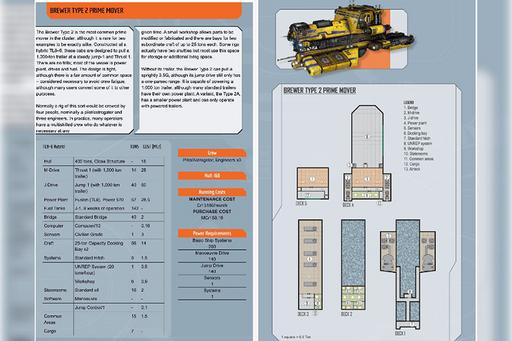
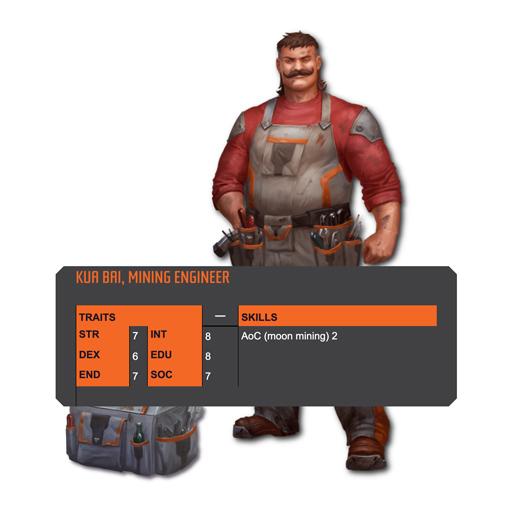
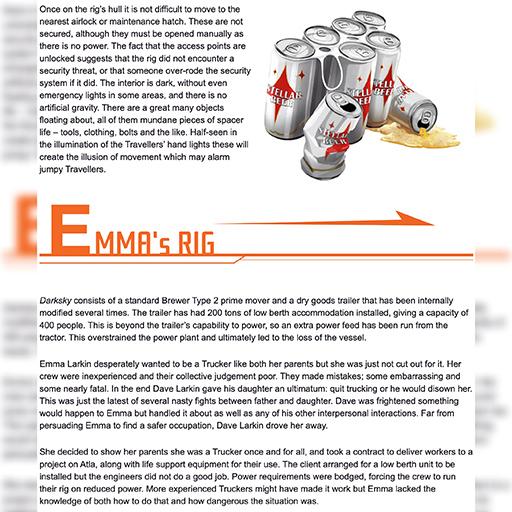
Cluster Truck includes over 80 maps, portraits, scenes, spacecraft and tokens which you can instantly drag to your tabletop in any game. See Digital Art Packs below.

Character Sheet
* Roll20 Tabletop: When starting a new game, select the Traveller 2e by Mongoose Publishing Character Sheet. In-game, use the +Character button from the Library tab.
Digital Compendium
* On the Web: Access the Rulebook here.
* Roll20 Tabletop: Click the Bookshelf icon in your game to see and search all rules entries.
* Roll20 Characters: Click the Compendium button (ⓘ) on relevant sections.
Adventure
* Make a New Game: Click the “Create Game with this Addon” button from this page here.
* Add to an Existing Game: From your game’s Game Details page, expand the Game Addons section. Then, select an addon from the list or search by name. Click the “Add to Game” button
Digital Art Packs
* Roll20 Tabletop: Go to the Art Library tab, click Premium Assets, select from entries prefixed with 'MgT2e - C - Cluster Truck -'. Drag images to the tabletop.
License: Roll20 End User License Agreement
(Personal Use Only, Do Not Distribute)