Roll20 uses cookies to improve your experience on our site. Cookies enable you to enjoy certain features, social sharing functionality, and tailor message and display ads to your interests on our site and others. They also help us understand how our site is being used. By continuing to use our site, you consent to our use of cookies. Update your cookie preferences .
×
A third party outage is causing loading issues for a select number of games. Reach out to our Help Center if you're affected!
Create a free account

Roll20 Marketplace Product

Color-Coded Progress Clocks Extended

Author: Lo-Fi Story Beats

Addon: Content which can be added into any game - new or existing!

Price: $7.99

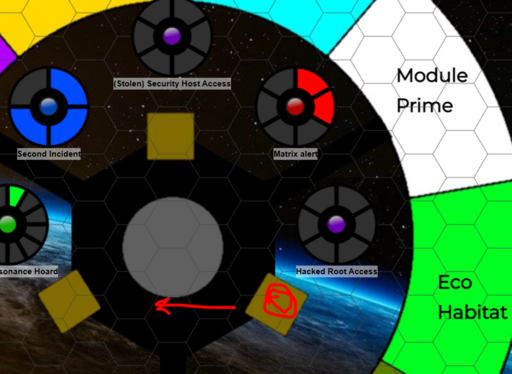
A clock for every occasion.

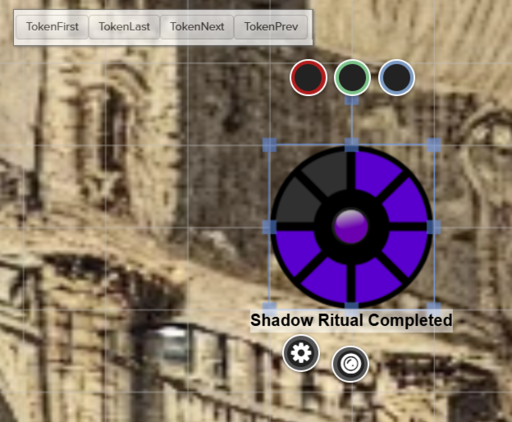
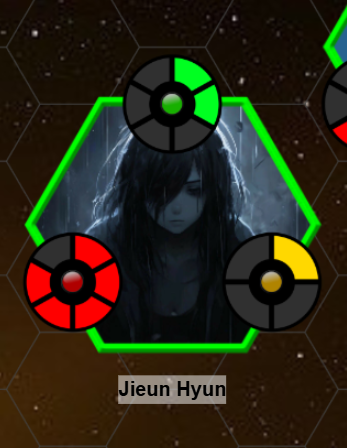
Generic, easy-to-read progress clocks, organized into pre-made rollable tables, ready to be dropped into your game.

How to Add a Clock:

  1. In your campaign, go to Collections -> Rollable Tables
  2. Pick the color and number of segments you like (for example, if you want a 10-segment blue clock, scroll down to Blue-10)
  3. Click the Token button. The clock will be added to your current map/page as a token.
  4. Resize the clock token to your liking
  5. Double-click it to give the clock a dramatic-sounding name (e.g. "Guards Alerted!"). Don't forget to tick the Nameplate checkbox.
  6. Last of all, make sure you either set the Player Permissions to "see" or make it Controlled By "All" so that your players can see the clock.

i Can only be used with Roll20; cannot be downloaded.

You might also like...

License: Roll20 End User License Agreement
(Personal Use Only, Do Not Distribute)