
Play Now
Join a Game
Characters
Shop
Tools
Compendium
Community

Sign In

Play Now
Join a Game
Characters
Shop
Tools
Compendium
Community
Sign In
The latest D&D Fifth Edition character sheet has a ton of bells and whistles that we don't want you to miss! Buckle in for a full walkthrough.

This top section of your character sheet includes some advanced tools and controls for the entire sheet such as permissions.
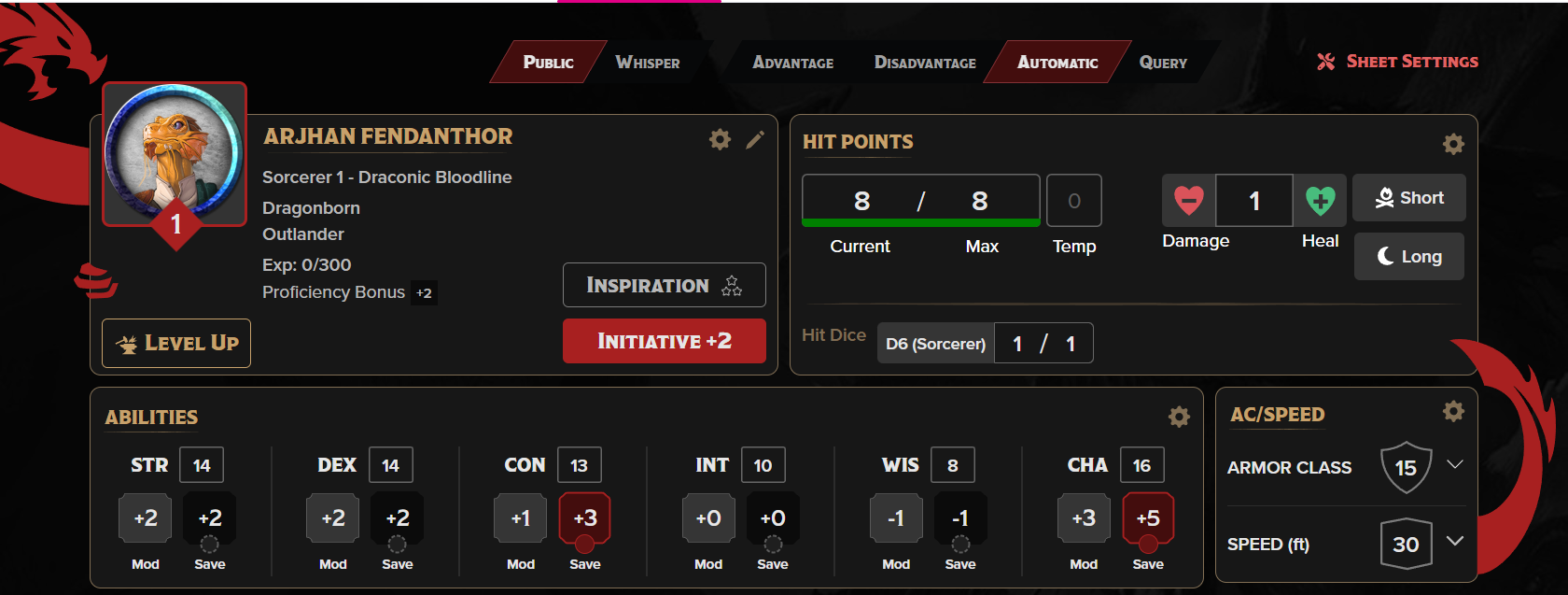
The header section has a lot of your most important character details as well as the settings for sharing your dice rolls with your fellow players and the GM. This section includes five main groups: The settings header, the character info section, the Hit Points section, the Abilities section, and the AC/Speed section.
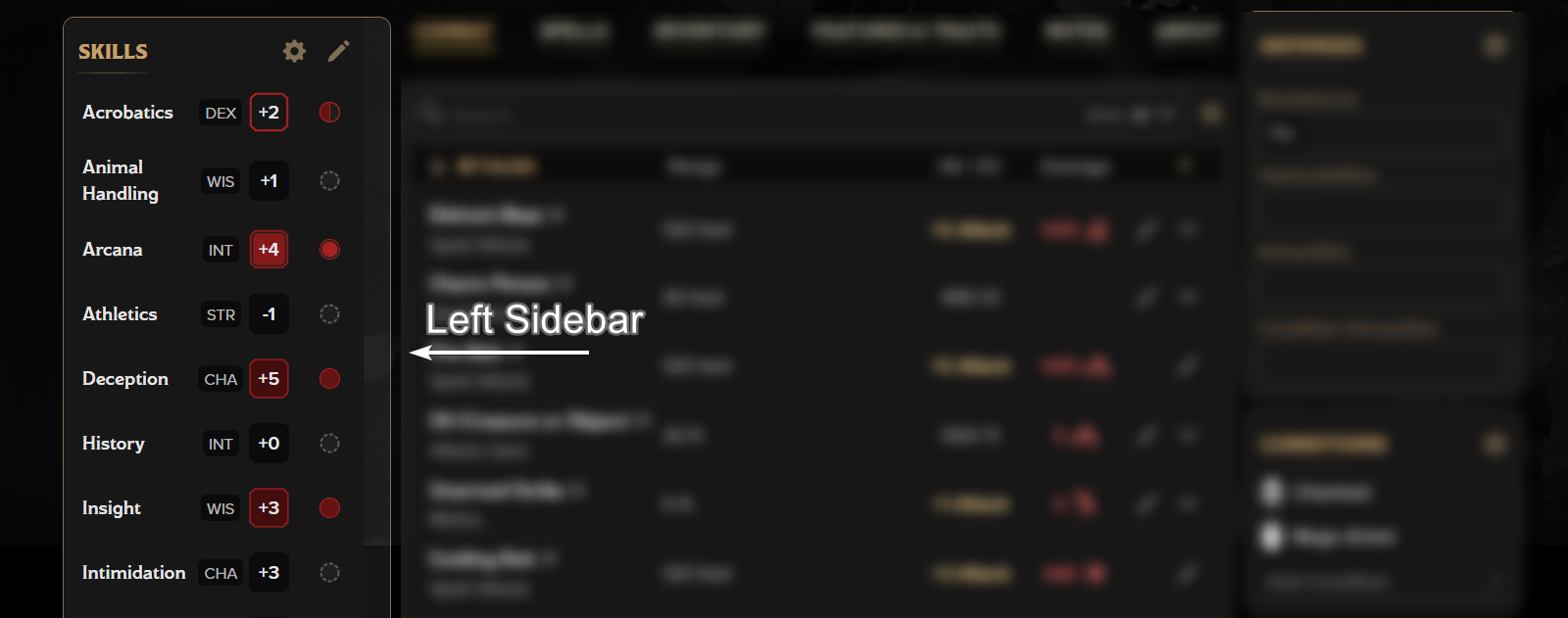
The left column or sidebar contains your skills and tools.
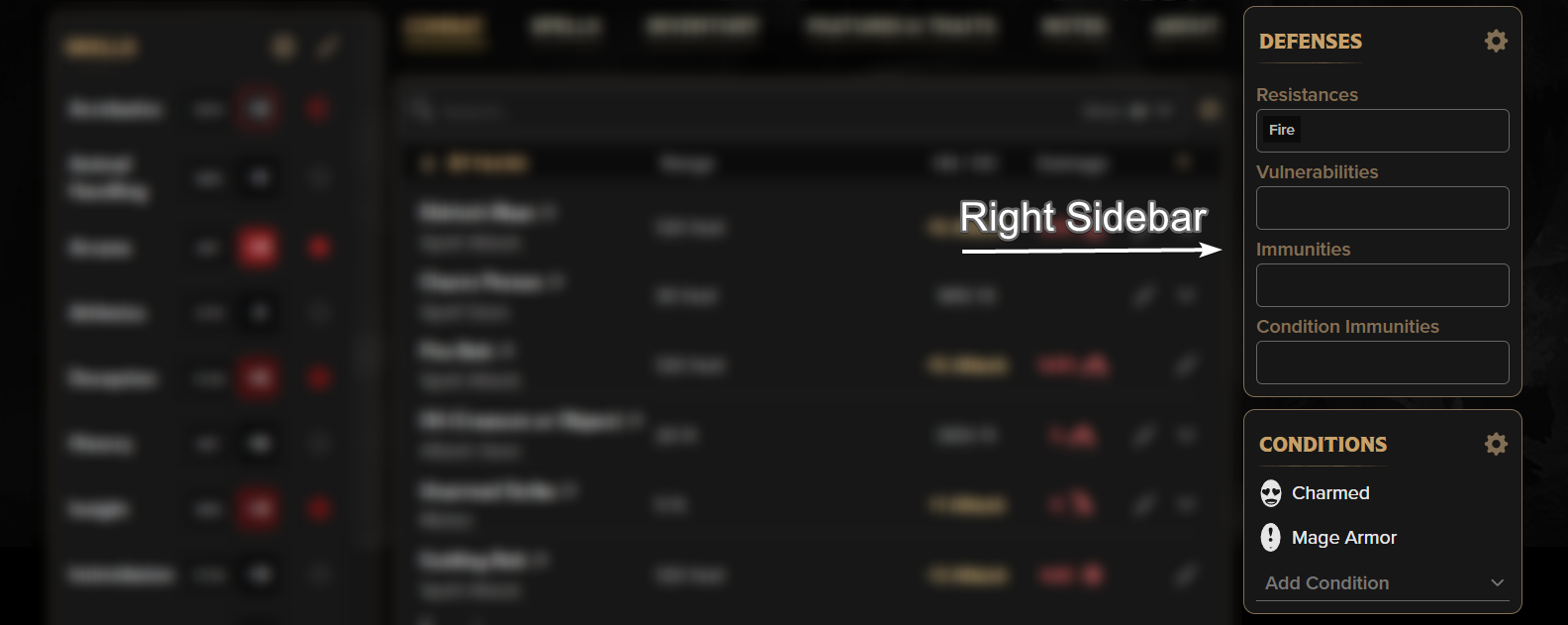
The right column or sidebar contains your Defenses, Conditions, Senses, Proficiencies, and Languages.
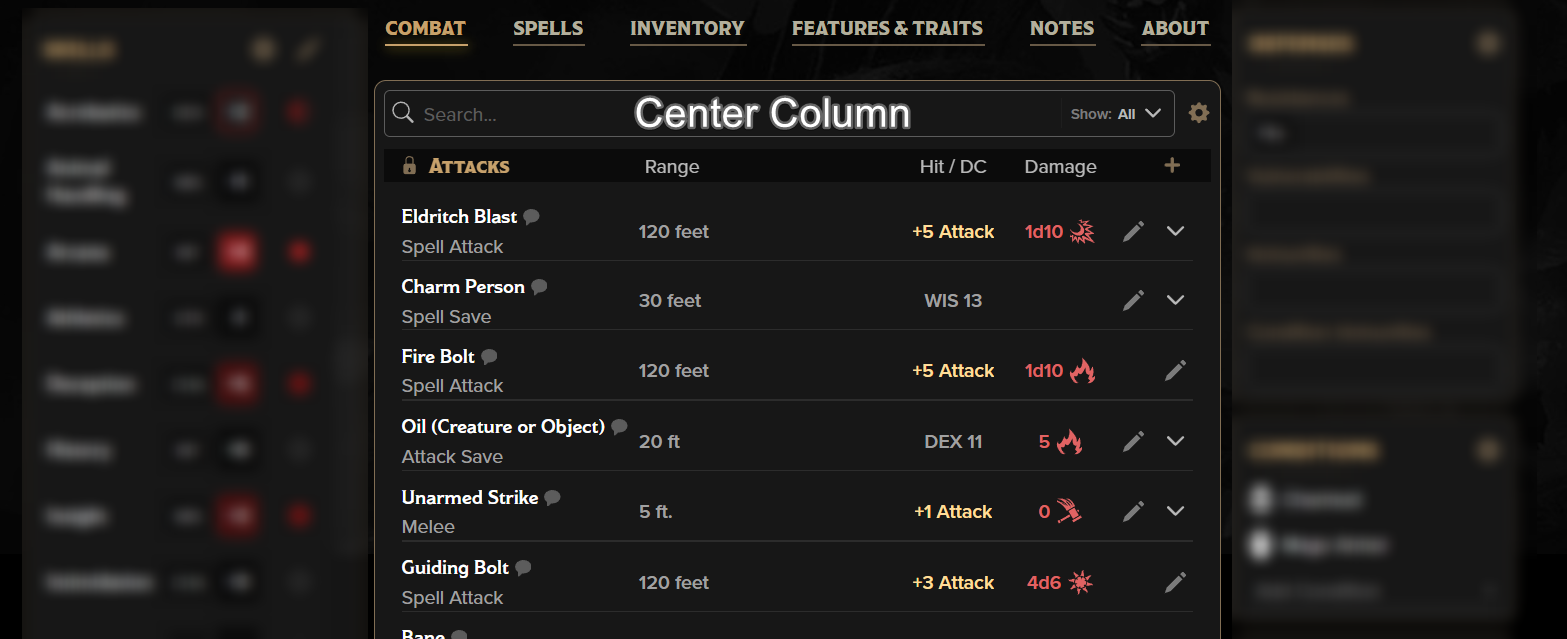
The center of the sheet has several different 'tabs' or views depending on what you need to read/see/do at any given time. This is where most of your reference material and clickable buttons are. We'll go over each tab one-by-one, but first, there are some editing tools that are common to most, if not all, of the tabs. 
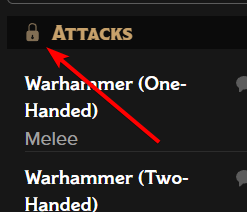 Lock Icons are used to Lock and Unlock the various items within a list so they can be rearranged manually. Selecting a section's lock icon will allow you to grab the six-dot "handle" to move the cards up and down or click the circle with a minus sign in it to delete that card.
This may be useful if you're playing a Dex-based character and want to remove the Strength-based attacks from your sheet to prevent clutter, but be careful! If you remove something that was placed on your sheet by the builder or drag-and-drop, and you decide that you want it back, you'll have to go back to the builder and re-select that parent feature, or re-drag the parent spell/item to your sheet.
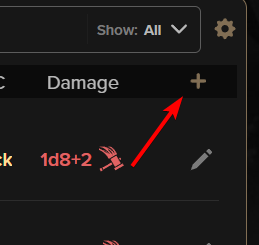
Plus Icons are located in several sections as a way to quickly add custom content. Anywhere a + exists, there are options to create the appropriate card in that section, such as a new attack, a new bonus action, or a new item.
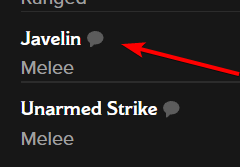
Sometimes your GM will want you to share the text of a feature, spell, or attack without needing to open your sheet themselves. To do this, there are several speech bubble buttons throughout the center column's tabs. Clicking one of these will send all the details about that particular card to the chat!
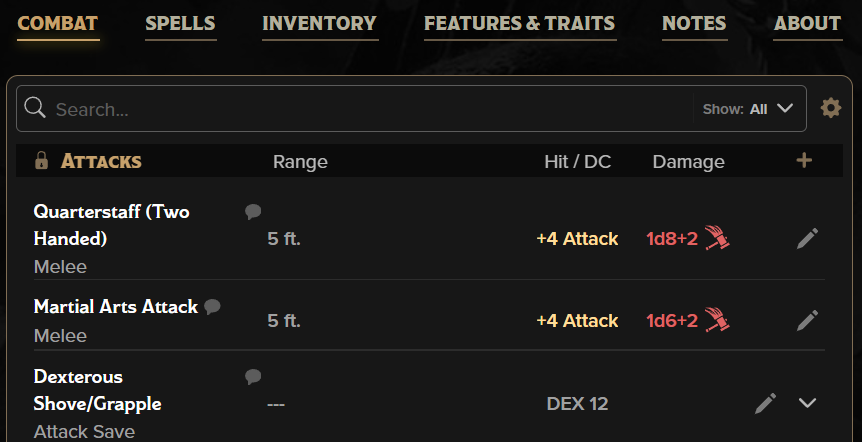
The combat tab is your one-stop shop for (almost) anything you might need while you're in combat. It distills all your spells, features, and items to just the things that utilize action economy (actions, bonus actions, reactions, etc.) or would normally be used in combat. Your creative problem solving skills are between you and your GM and while our sheet won't stop you, we also can't predict what you might use to get out of a jam!
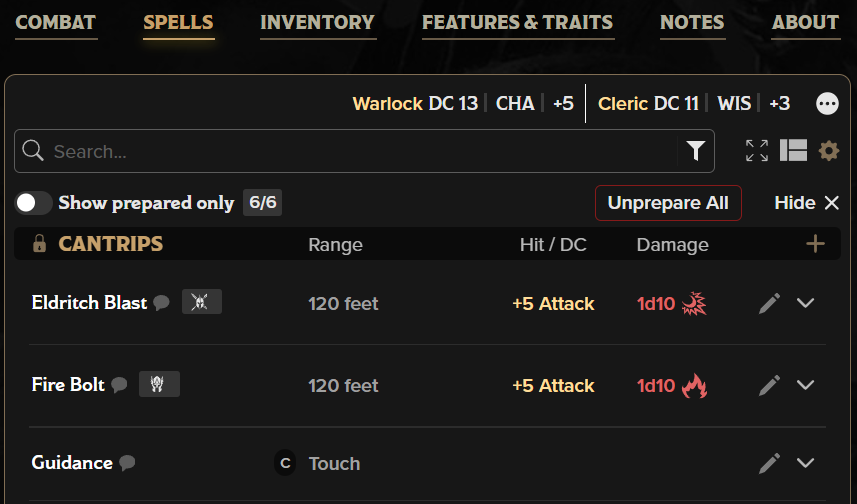
The Spells Tab contains all the spells you have access to via class, species, magic items, and more. While much of the information is pulled into the Combat Tab, everything you need to know about any spell on your sheet is in this section.
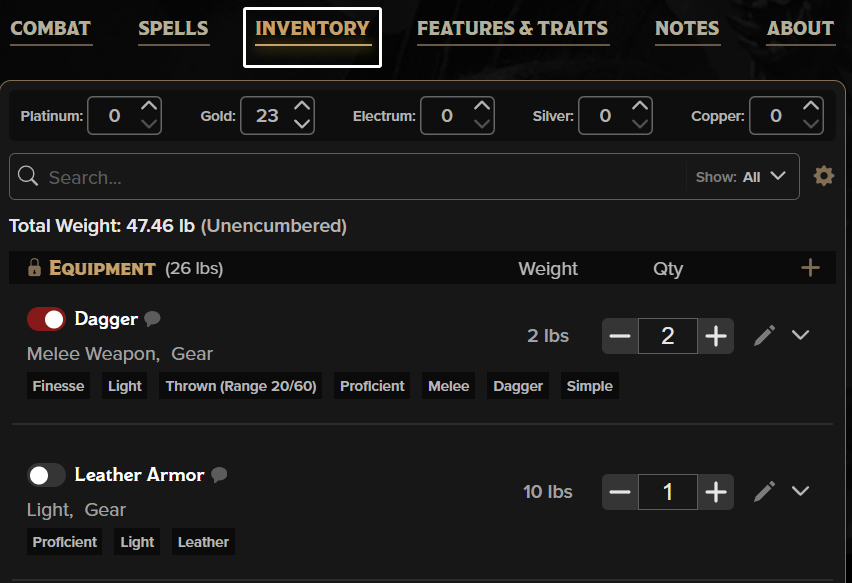
Now, what about all that loot you keep picking up? Let's talk about how to store it in your sheet.
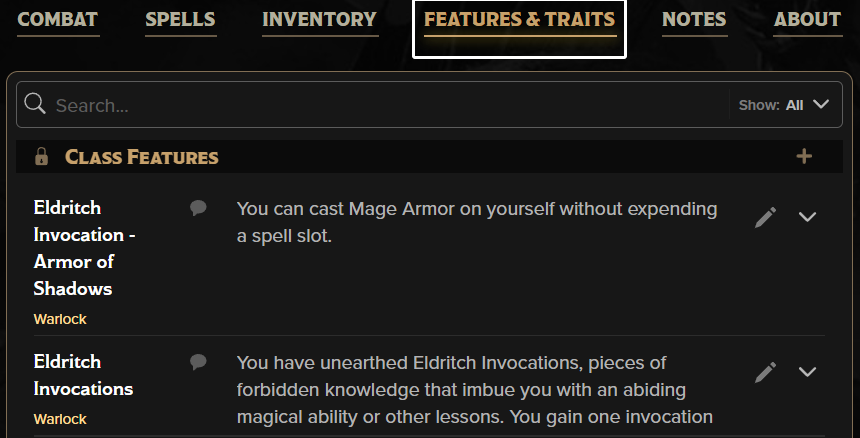
While the Combat, Spells, and Inventory tabs could be considered tools to play your character more easily, the last three tabs could be considered reference materials. The Features & Traits tab specifically contains all the rules text from the books that you used to create the character. If you expect to open a book to read what a class or species feature would grant you, this is where you would find that text.
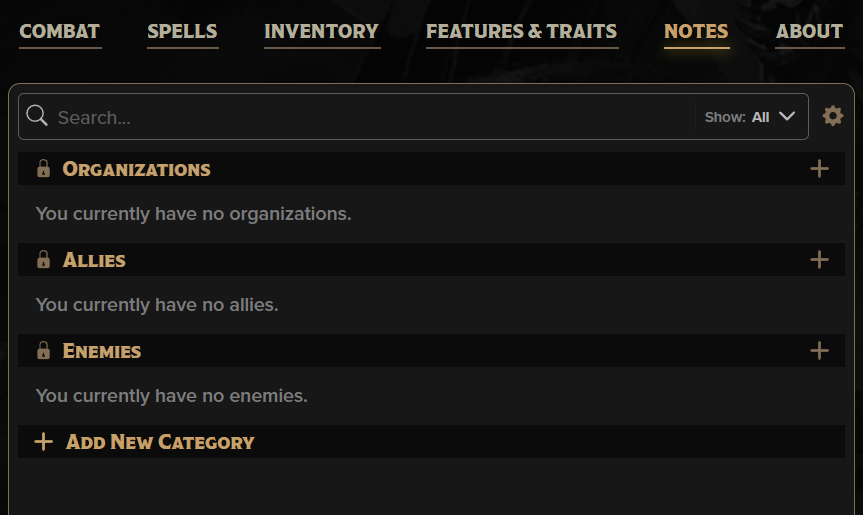
Do you wish you had a place to keep all your notes for your game in your sheet, without needing to have a separate text doc open? There's a whole tab for that! This is a reference for what your character currently is and is doing in the world.
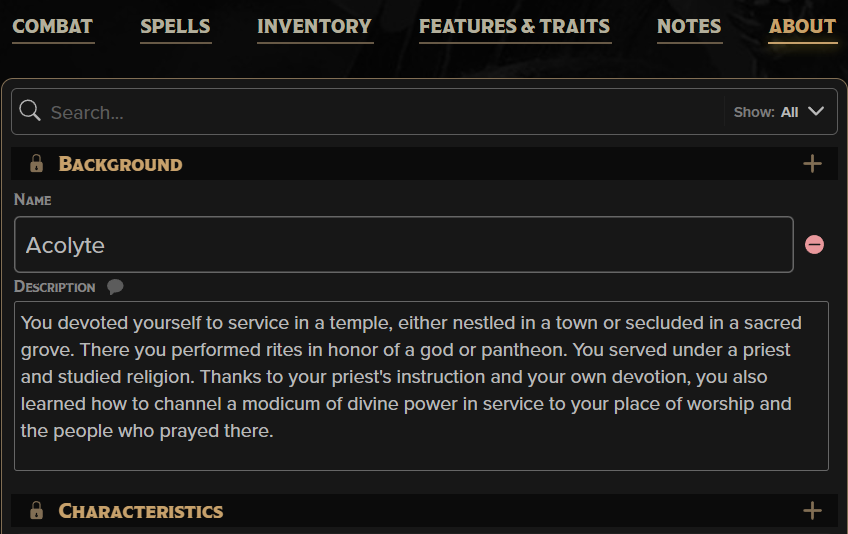
The last section is the About Tab. It's a place that would be perfect for your backstory and character appearance descriptions.