
Play Now
Join a Game
Characters
Shop
Tools
Compendium
Community

Sign In

Play Now
Join a Game
Characters
Shop
Tools
Compendium
Community
Sign In
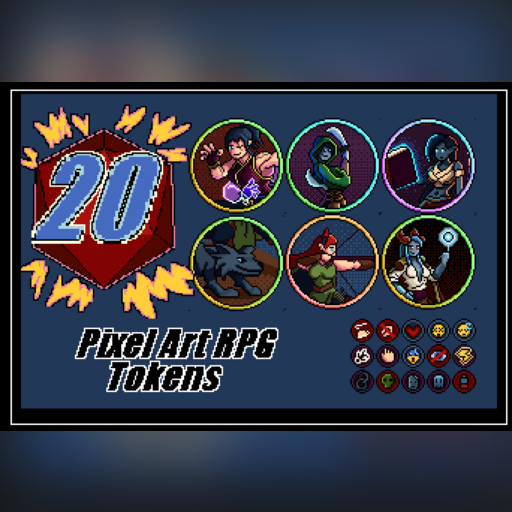

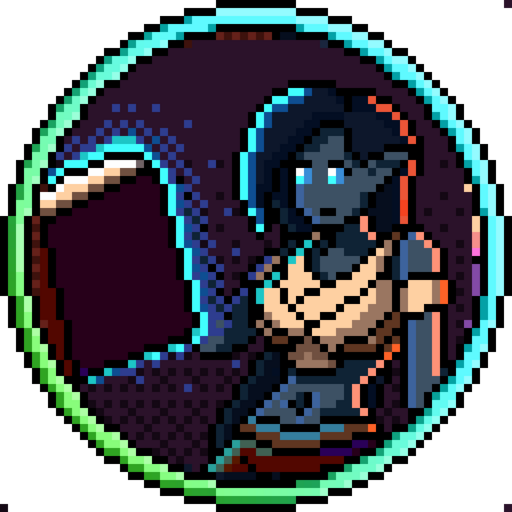


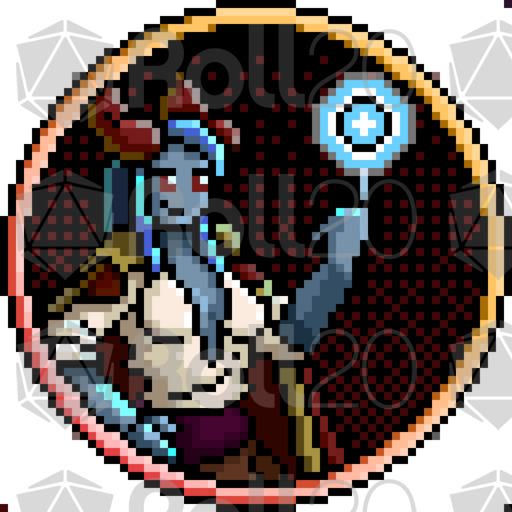
Pixel Art Characters
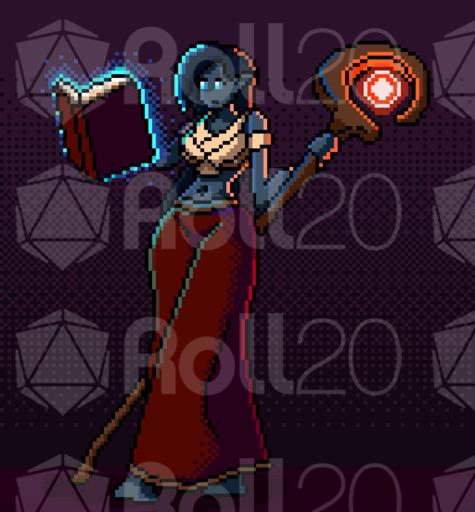
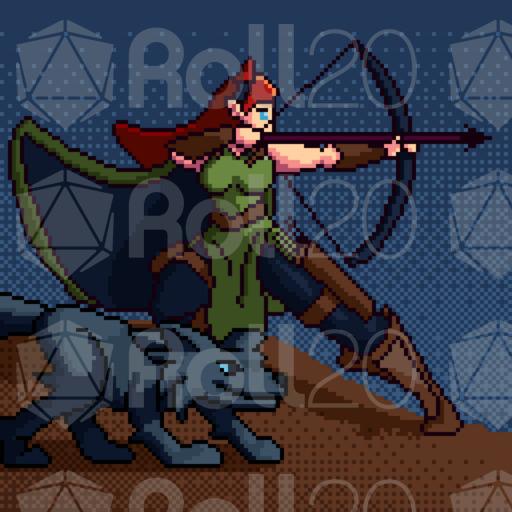
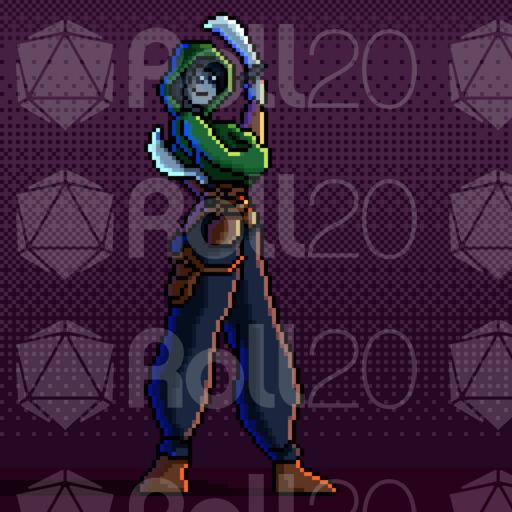
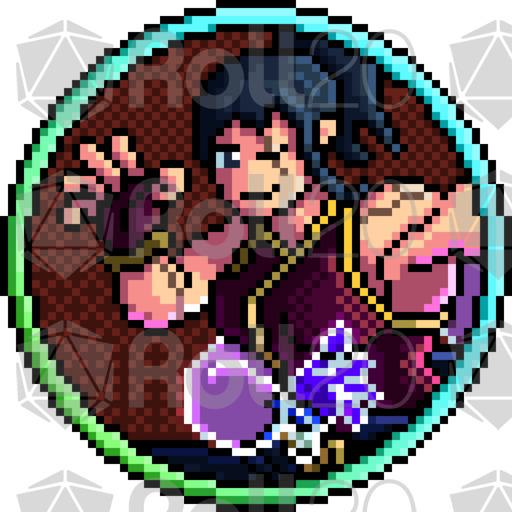
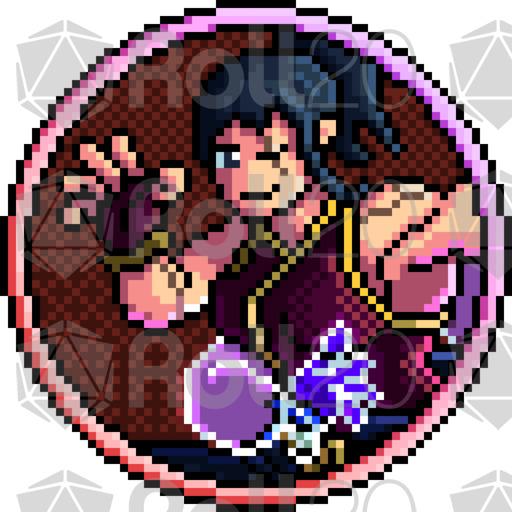
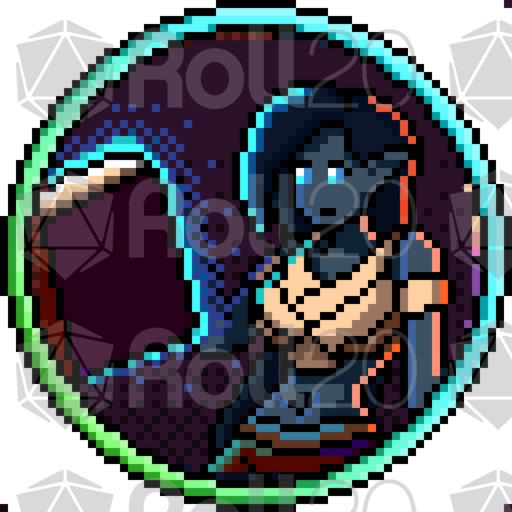
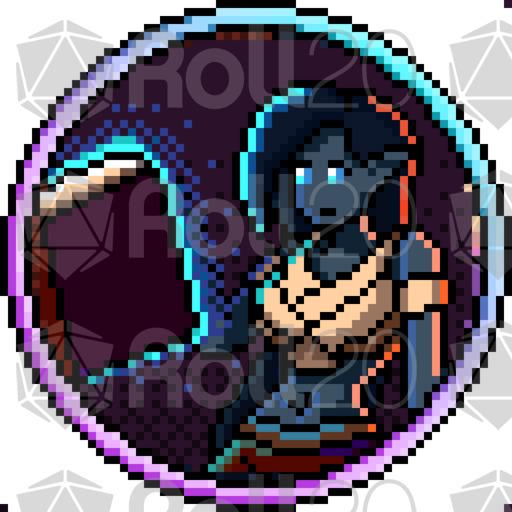
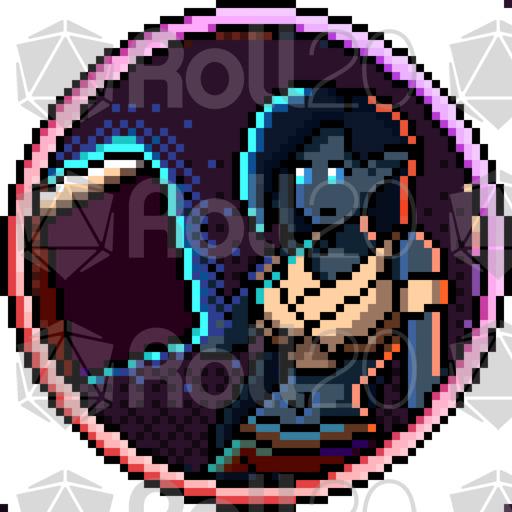
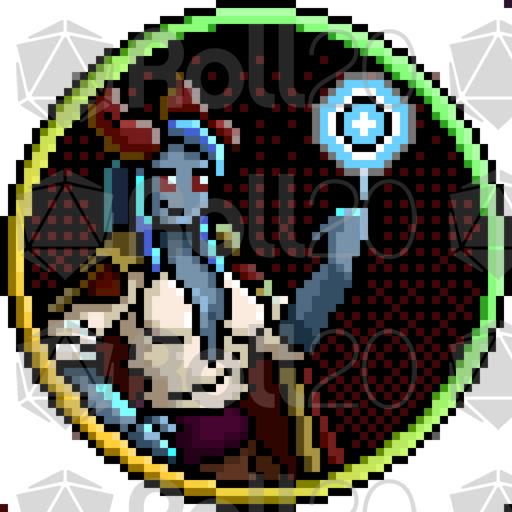
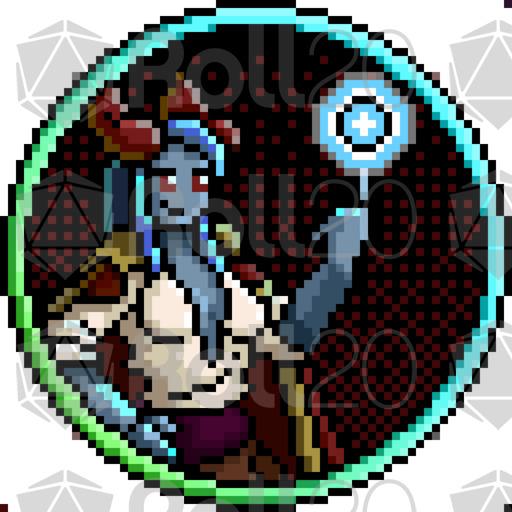
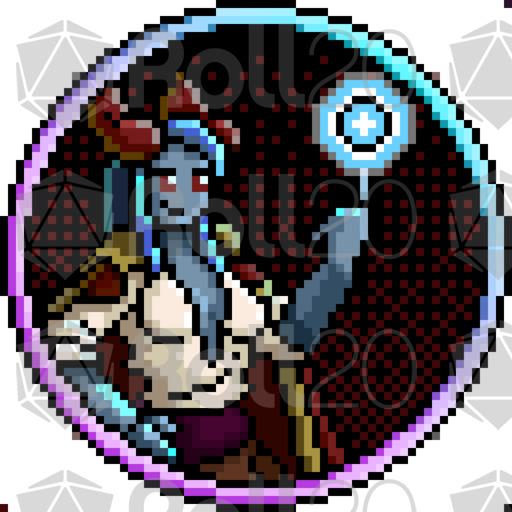
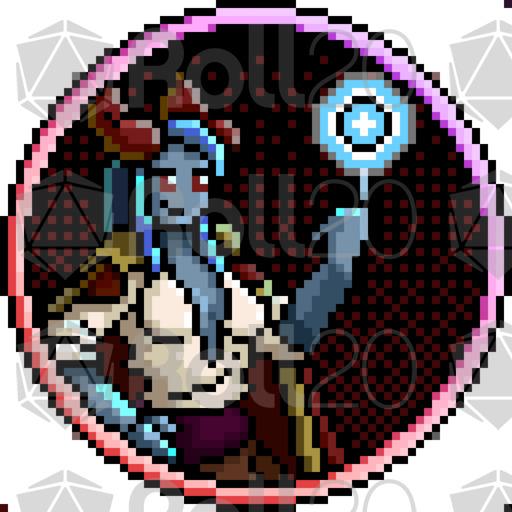
5 unique characters
5 different ring color variations for each character, making it easy to distinguish players, teams, or roles
All artwork is created in a consistent 64×64 pixel art style, making the assets easy to combine when creating your own Roll20 maps and encounters.
Perfect for: fantasy RPGs, tabletop adventures, dungeons, encounters, and custom Roll20 campaigns.
Bonus: Pixel Art Condition Tokens! A collection of condition markers and overlays designed to indicate character status and effects directly on your Roll20 tokens, helping you track important conditions during combat and exploration.
All artwork is created in a consistent 64×64 pixel art style, making the assets easy to combine when creating your own Roll20 maps, encounters, and campaigns.
Three ways to integrate:
GM drags from their Library to the map.
Create a blank character sheet and assign the overlay image as it's token with the overlay name. Be sure to enable it with sight and assign to players. Players now have continued access to it. Even better, use a rollable table token for the character sheet, as described below.
Recommended: Create a rollable table of a category, favorites or most used token overlays. Once placed on map, make sure it's sighted and set to the preferred player controls. Players can then right-click and choose which to display from it's menu, and continue to reuse and adapt as their status changes.
Important:
1. Sight needs to be enabled for the overlay along with player control, otherwise, the stacking order will likely display it below the (non-GM) controlling player's token, as that player sees it. This works as intended by Roll20 design.
2. Last token/overlay placed on map, places to the top of the stack order.
Browse my entire library including maps, overlays, and other animated content.
Thank You and I hope you enjoy them!
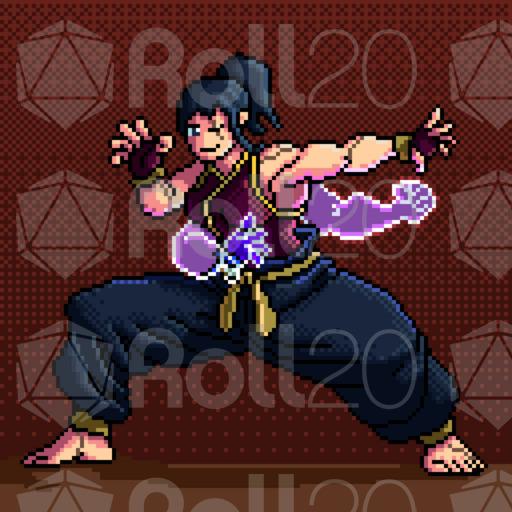
art
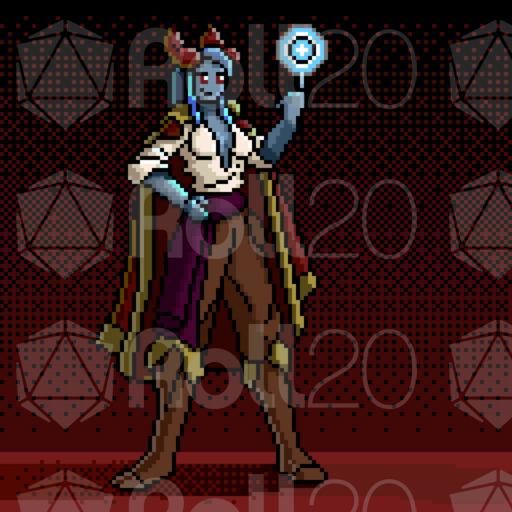
art
art
art
art

token
token

token

token
token
token

token
token
token

token
token
token
token
token
token

token

token

token
License: Roll20 End User License Agreement
(Personal Use Only, Do Not Distribute)