
Play Now
Join a Game
Characters
Shop
Tools
Compendium
Community

Sign In

Play Now
Join a Game
Characters
Shop
Tools
Compendium
Community
Sign In
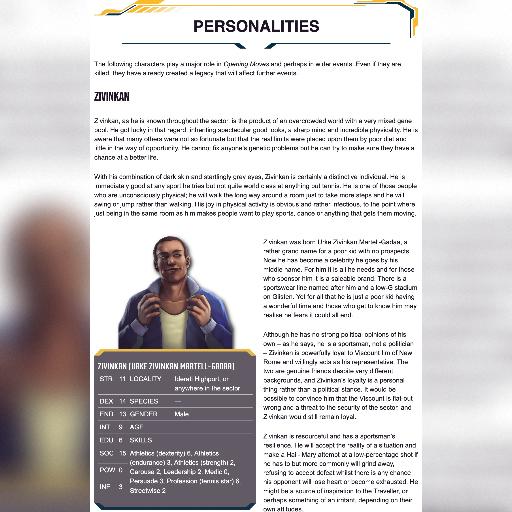
A complete mini-campaign for Mongoose Traveller 2nd Edition
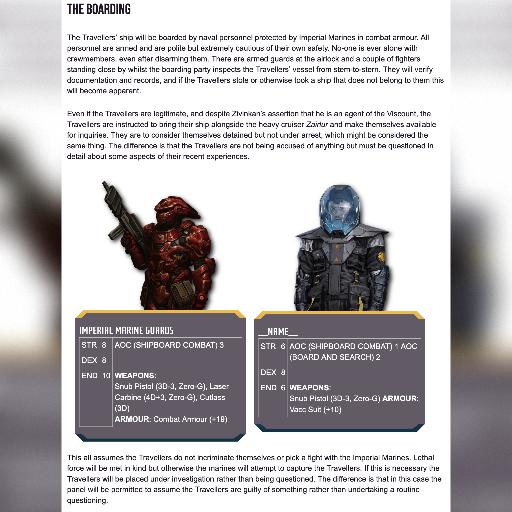
Body pistols and firebombs suddenly turn a normal day on the starport concourse lethal. An uprising on-planet and a Zhodani battlefleet inbound are the first signs that the Fifth Frontier War has broken out. With the system under attack from within and without, the Travellers must escape before the starport is overrun.
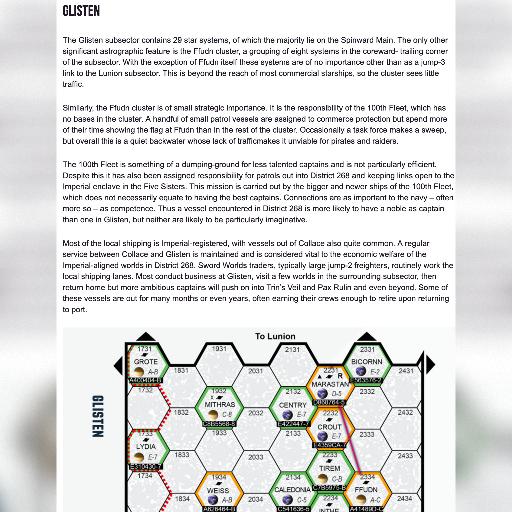
In Opening Moves, the Travellers will experience terror and denial, heroism and the sheer stupidity of the first days of the Fifth Frontier War. A race across District 268 places them at the pivotal Battle of Elixabeth, where they will play a greater part than anyone may ever know.
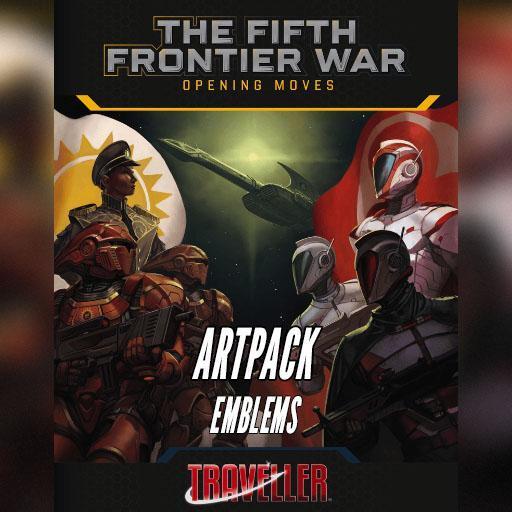
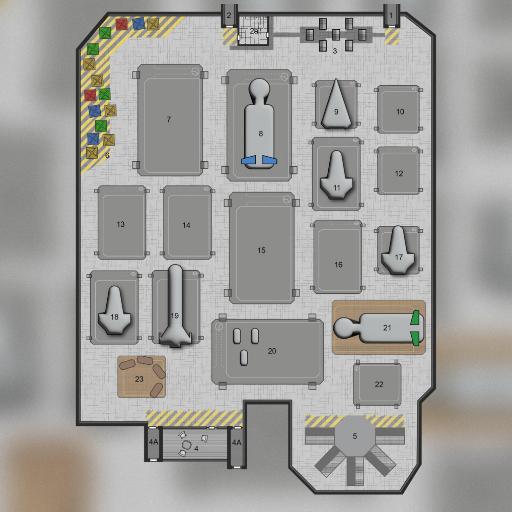
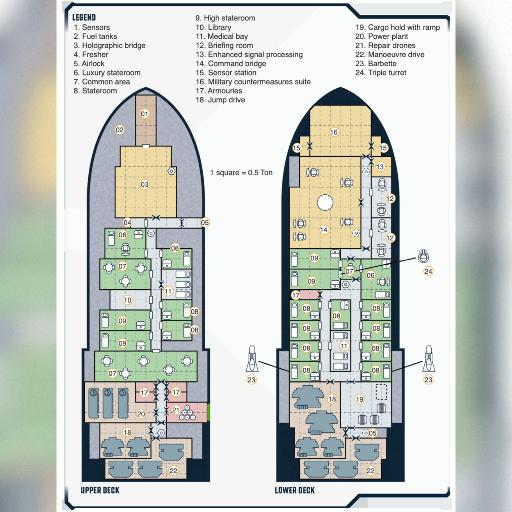
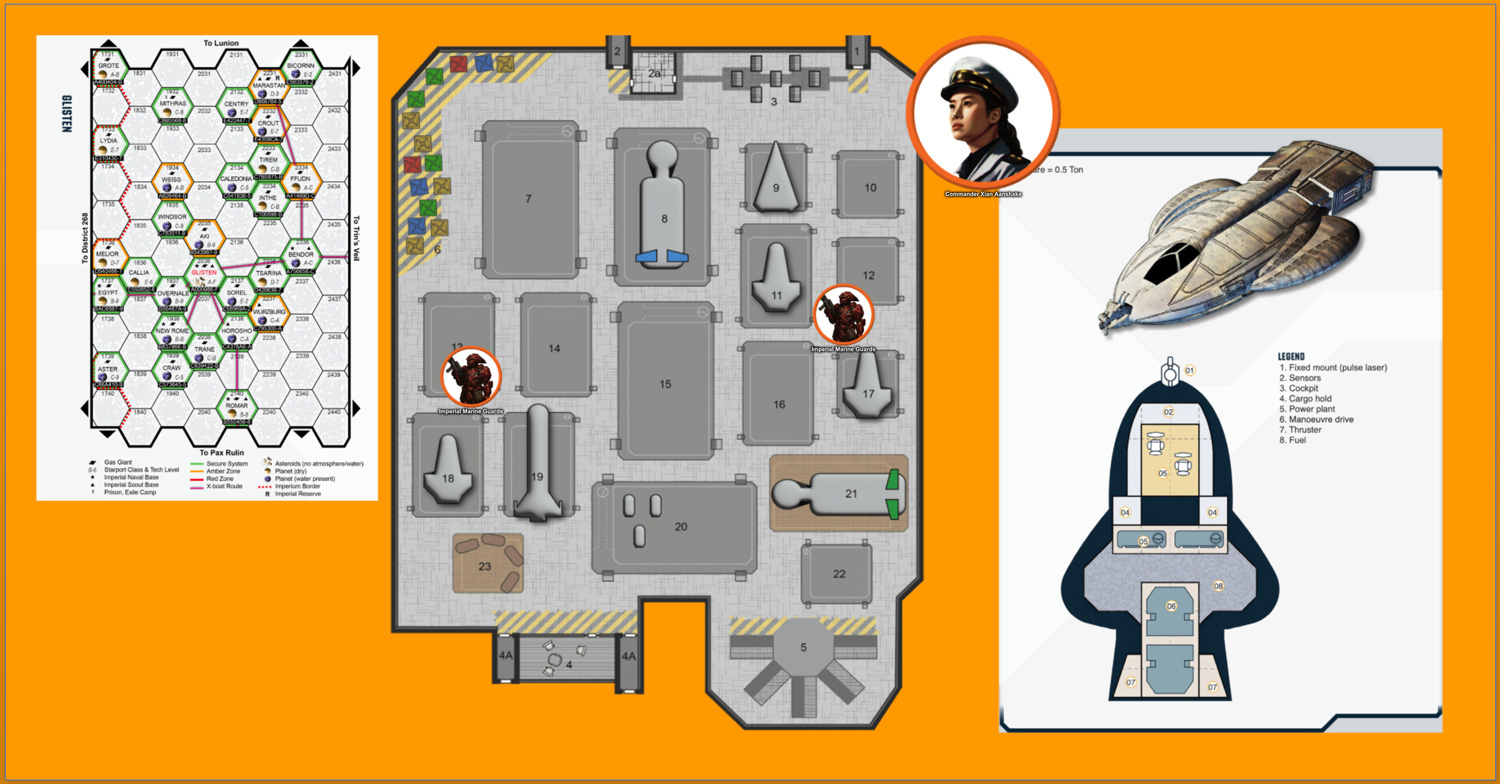
Opening includes over 100 emblems, maps, portraits, scenes, spacecraft and tokens which you can instantly drag to your tabletop in any game. See Digital Art Packs below.
Character Sheet
* Roll20 Tabletop: When starting a new game, select the Traveller 2e by Mongoose Publishing Character Sheet. In-game, use the +Character button from the Library tab.
Digital Compendium
* On the Web: Access the Rulebook here.
* Roll20 Tabletop: Click the Bookshelf icon in your game to see and search all rules entries.
* Roll20 Characters: Click the Compendium button (ⓘ) on relevant sections.
Adventure
* Make a New Game: Click the “Create Game with this Addon” button from this page here.
* Add to an Existing Game: From your game’s Game Details page, expand the Game Addons section. Then, select an addon from the list or search by name. Click the “Add to Game” button
Digital Art Packs
* Roll20 Tabletop: Go to the Art Library tab, click Premium Assets, select from entries prefixed with 'MgT2e - FFW - Opening Moves -'. Drag images to the tabletop.
badge emblem

badge emblem
badge emblem
License: Roll20 End User License Agreement
(Personal Use Only, Do Not Distribute)