
Play Now
Join a Game
Characters
Shop
Tools
Compendium
Community

Sign In

Play Now
Join a Game
Characters
Shop
Tools
Compendium
Community
Sign In
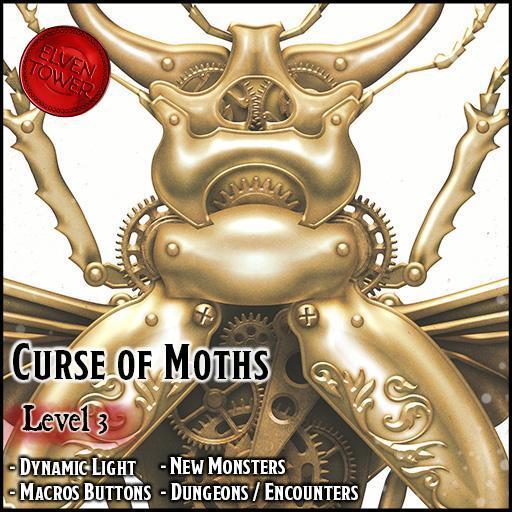
Curse of Moths is a level-3 adventure that features the fabled Jade Scarabs. They were relics stolen from the Djinni that created them. In return, they cursed the thieves in such a way that it not only destroyed their civilization. Hundreds of years later, their curse manifests again, in the shape of The Jade Fever. This strange condition makes villagers and common folk leave their homes and wander off in the same direction. Some unfortunate souls were not awakened in time. And they walk into the Jade Sepulcher. A dilapidated, forsaken dungeon where the ancient Jade Scarabs were stored.
The adventurers must find the entrance to the Jade Sepulcher and explore the dungeon. The last chamber hides a secret vault. If they can defeat the monstrous moths and overcome the obstacles, they may get their hands on the entire jade collection. Is it wise to mess with a cursed treasure?
As an Elven Tower product, each chapter includes the following features and benefits:
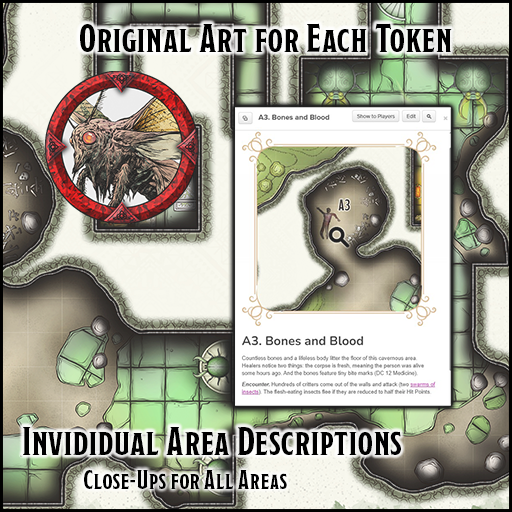
- Original Artwork. Elven Tower-brand products include their own original artwork for maps, tokens, and handouts.
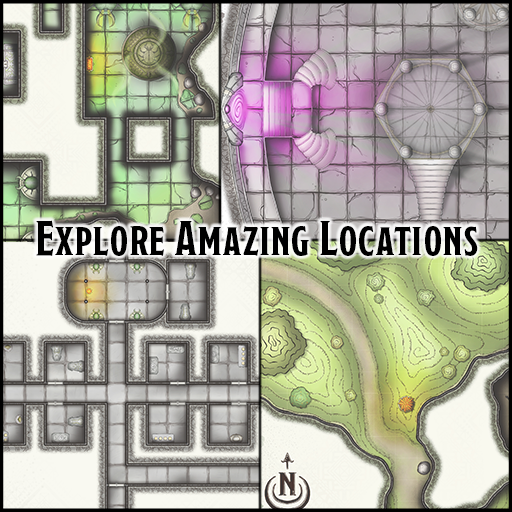
- Professional Cartography. All maps are provided by Elven Tower Cartography. Please enjoy the Roll-20 adapted versions of our adventures.
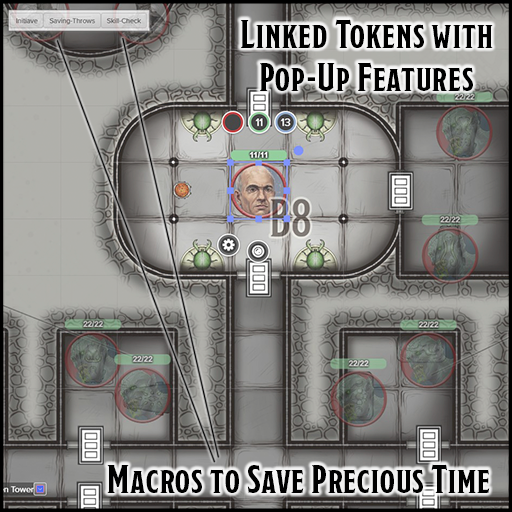
- One-Click Macros. Run faster combat sessions with one-click macros. Simply select a token and watch as macros for core features pop up. The macros auto roll initiative, skill checks, and saving throws for characters.
- Endless Customization Options. Thanks to their adaptable nature, this adventure can fit almost any campaign setting.
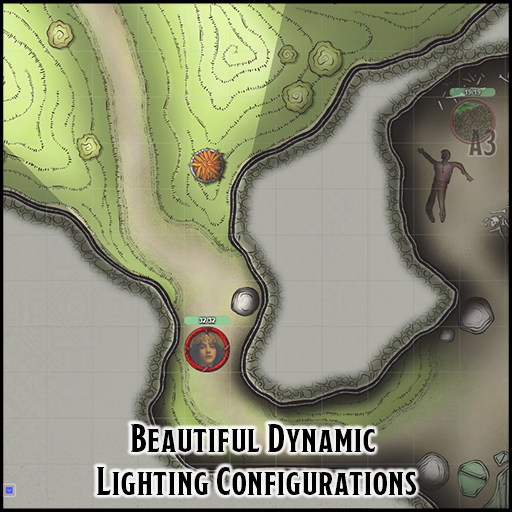
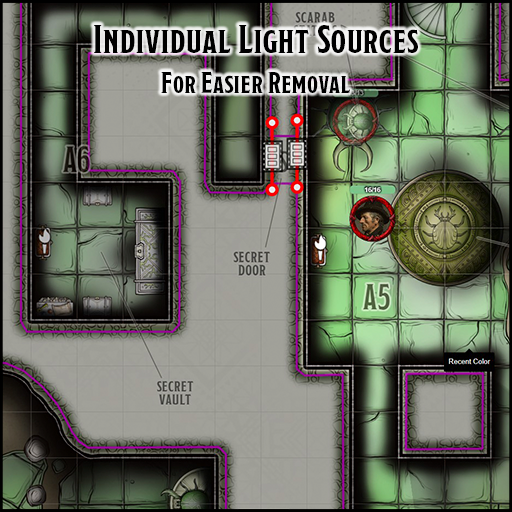
- Dynamic Lighting. The dungeon map-pages of this product have been optimized with Dynamic Lighting features, wall delimitation, and light sources. Tokens for light sources (dim, regular, sunlight) are also included (requires plus/pro subscription).
Visit our Roll20 page to know more or our products!
System: D&D 5E
Starting Level: 3
Length: 3-5 hours
Installation: Add-On
Sheet: D&D 5e by Roll20
Install this Add-On via the dropdown menu in the Game Add-ons section of the Game Details Page. Select this product and click on the blue Add to Game button beside the drop-down menu.
License: Roll20 End User License Agreement
(Personal Use Only, Do Not Distribute)