
Play Now
Join a Game
Characters
Shop
Tools
Compendium
Community

Sign In

Play Now
Join a Game
Characters
Shop
Tools
Compendium
Community
Sign In
By: Elven Tower
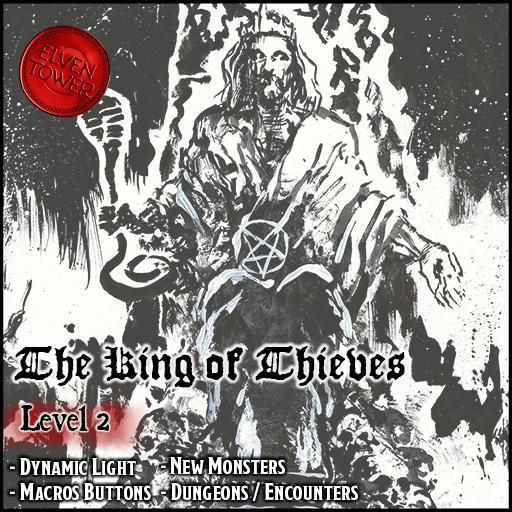
In King of Thieves, the characters are hired by the captain of the city watch to raid Cobblers' Market. They are informed that a criminal guild of increasing power and influence named the Ash Knives kidnapped two nobles. After failing to collect an outrageous ransom, the criminals hanged one of the nobles in the market. This overt action sows panic and puts the city watch in a difficult position to retain its reputation.
In the captain's company, the party raids the market and confronts the criminals. The brigands stayed in the market to make sure the hanging corpse stayed there all day. Later, the characters track the criminals to their base by the docks. The criminal guild's leader is a cruel man on a quest for vengeance. In this adventure, the criminal's past is revealed; he has plenty of reasons to have a grudge against the nobles. Alas, is it fair or justifiable to slay them in cold blood?
As an Elven Tower product, each chapter includes the following features and benefits:
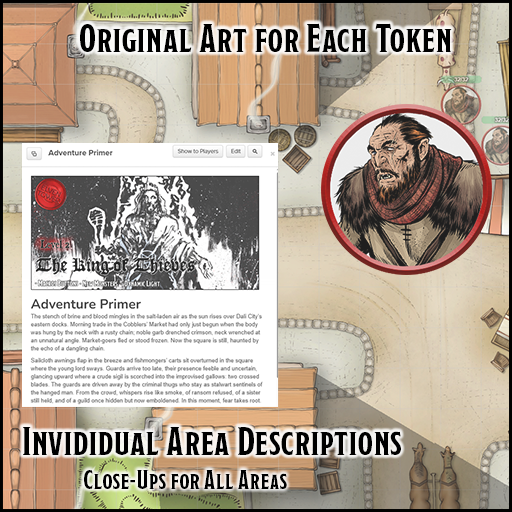
- Original Artwork. Elven Tower-brand products include their own original artwork for maps, tokens, and handouts.
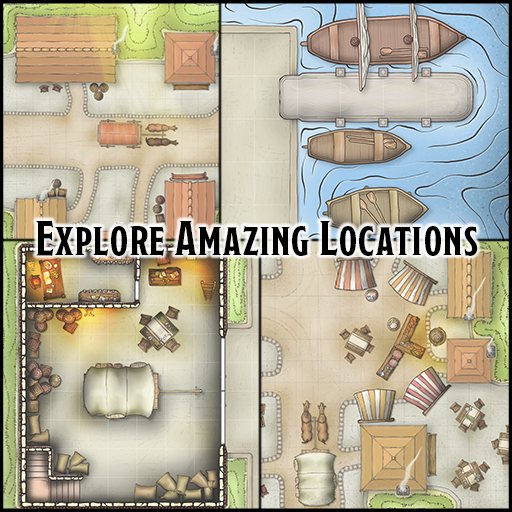
- Professional Cartography. All maps are provided by Elven Tower Cartography. Please enjoy the Roll-20 adapted versions of our adventures.
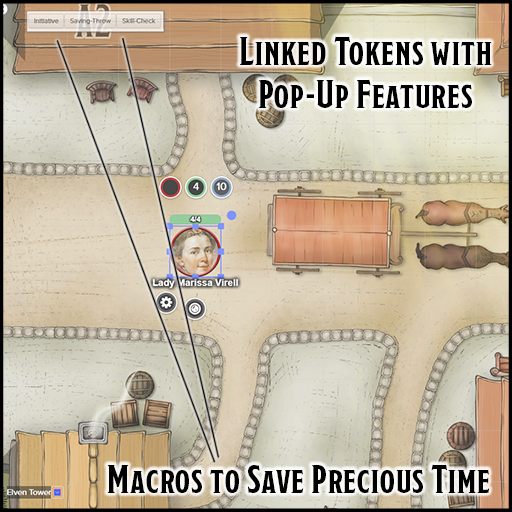
- One-Click Macros. Run faster combat sessions with one-click macros. Select a token and watch as macros for core features pop up. The macros auto roll initiative, skill checks, and saving throws.
- Endless Customization Options. Thanks to their adaptable nature, this adventure can fit almost any campaign setting.
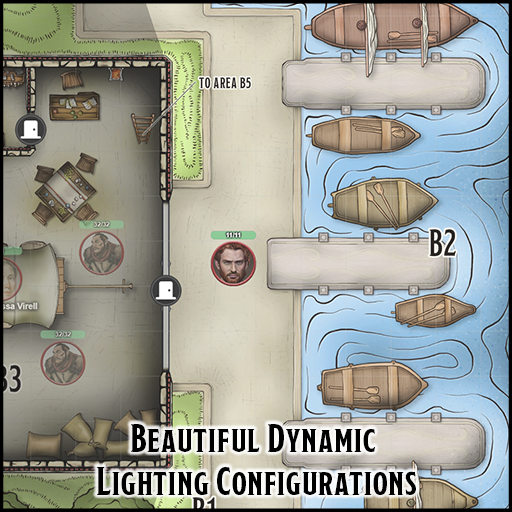
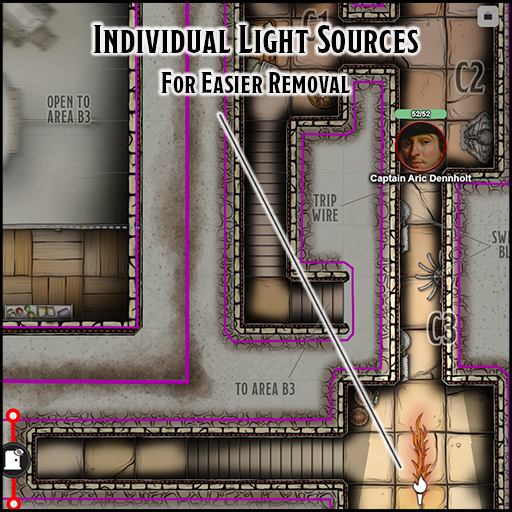
- Dynamic Lighting. The dungeon map pages of this product have been optimized with Dynamic Lighting features, wall delimitation, and light sources. Tokens for light sources (dim, regular, sunlight) are also included (requires plus/pro subscription).
Visit our Roll20 page to know more or our products!
System: D&D 5E
Starting Level: 2
Length: 3-5 hours
Installation: Add-On
Sheet: D&D 5e by Roll20
Install this Add-On via the dropdown menu in the Game Add-ons section of the Game Details Page. Select this product and click on the blue Add to Game button beside the drop-down menu.
License: Roll20 End User License Agreement
(Personal Use Only, Do Not Distribute)