Play Now
Join a Game
Characters
Shop
Tools
Compendium
Community

Sign In

Play Now
Join a Game
Characters
Shop
Tools
Compendium
Community
Sign In
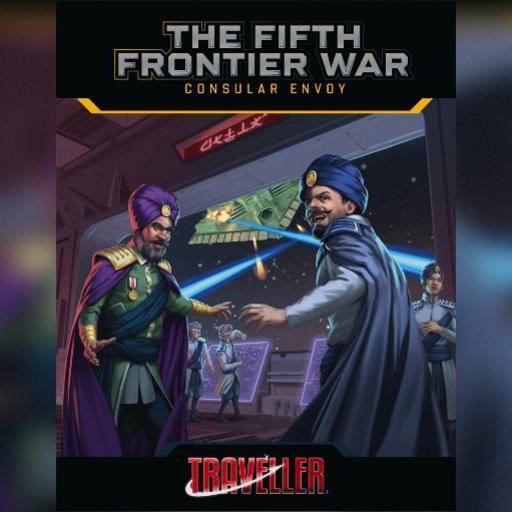
A complete adventure for Mongoose Traveller 2nd Edition
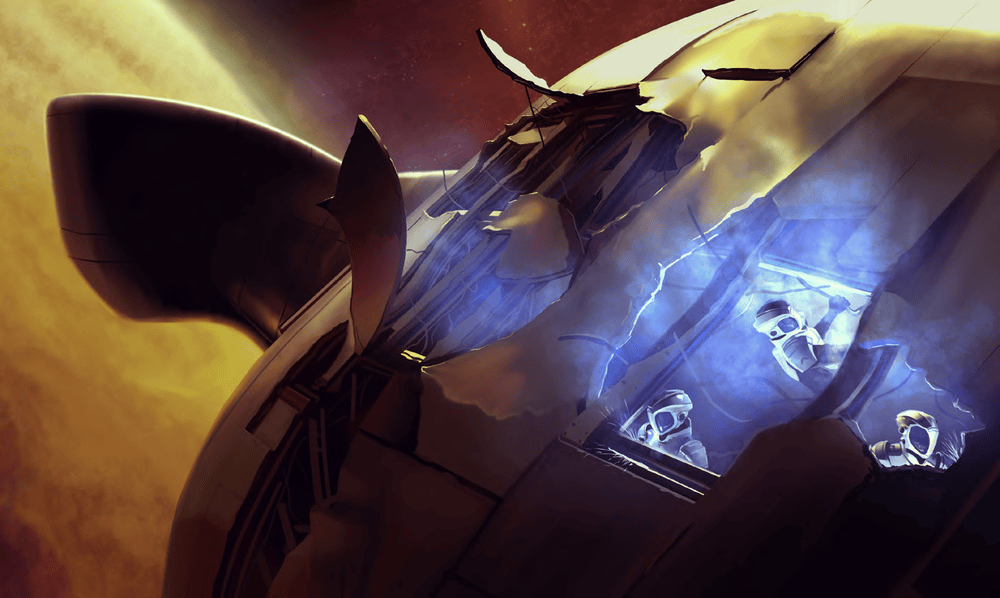
A hundred days out of Cronor Naval Base, diplomatic transport vessel Sifrshonz meets disaster. Ambushed by an Imperial cruiser, the ship and her mission are wrecked.
With the command crew and Consular Envoy dead, the Travellers must decide: do they turn for home or plunge into the Outrim Void seeking a way to somehow complete their mission?
Their voyage will take the Travellers to the dead world of Ganulph, and to mysterious Belgard where they will unlock a secret hidden for five centuries.
Consular Envoy includes over 70 maps, portraits, scenes, spacecraft and tokens which you can instantly drag to your tabletop in any game. See Digital Art Packs below.
Character Sheet
* Roll20 Tabletop: When starting a new game, select the Traveller 2e by Mongoose Publishing Character Sheet. In-game, use the +Character button from the Library tab.
Digital Compendium
* On the Web: Access the Rulebook here.
* Roll20 Tabletop: Click the Bookshelf icon in your game to see and search all rules entries.
* Roll20 Characters: Click the Compendium button (ⓘ) on relevant sections.
Adventure
* Make a New Game: Click the “Create Game with this Addon” button from this page here.
* Add to an Existing Game: From your game’s Game Details page, expand the Game Addons section. Then, select an addon from the list or search by name. Click the “Add to Game” button
Digital Art Packs
* Roll20 Tabletop: Go to the Art Library tab, click Premium Assets, select from entries prefixed with 'MgT2e - FFW - Consular Envoy -'. Drag images to the tabletop.
License: Roll20 End User License Agreement
(Personal Use Only, Do Not Distribute)