Play Now
Join a Game
Characters
Shop
Tools
Compendium
Community

Sign In

Play Now
Join a Game
Characters
Shop
Tools
Compendium
Community
Sign In
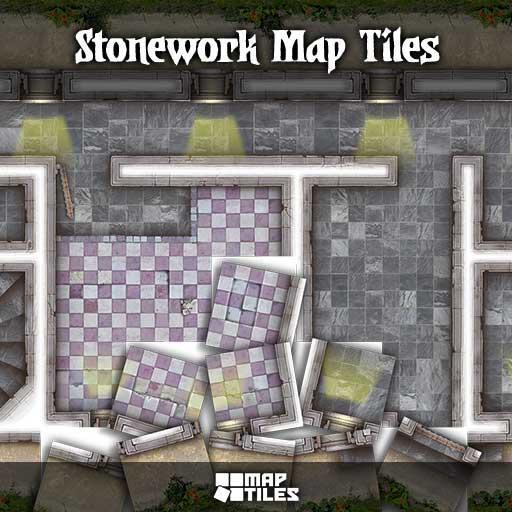
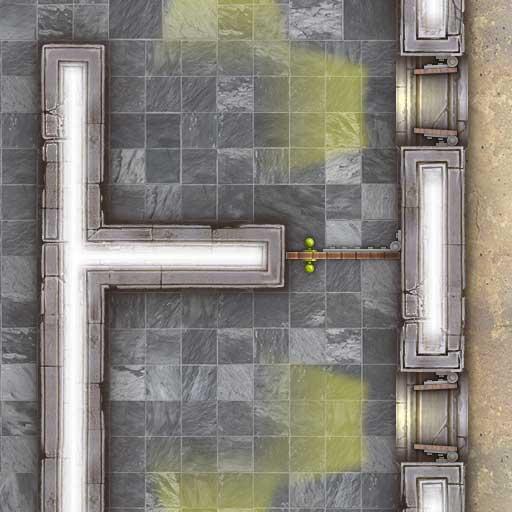
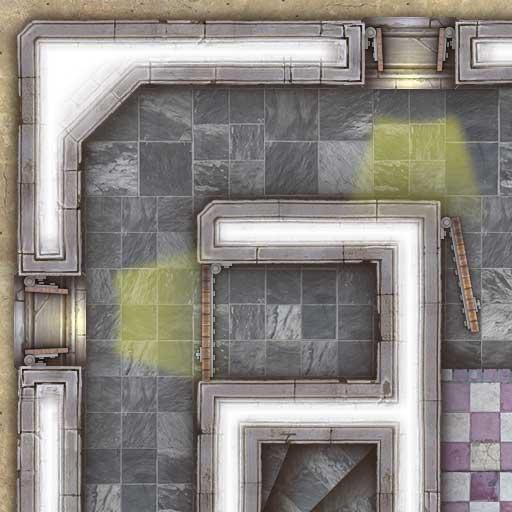
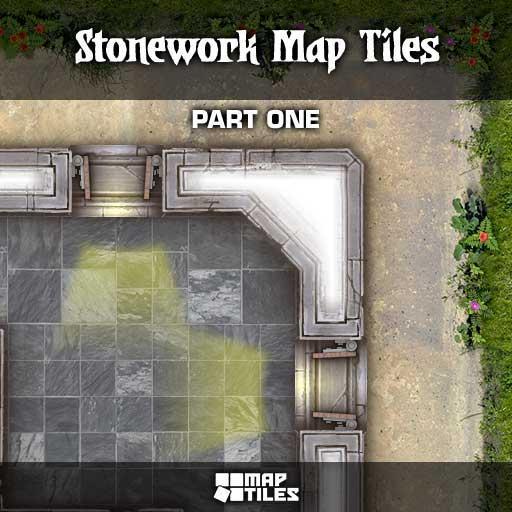
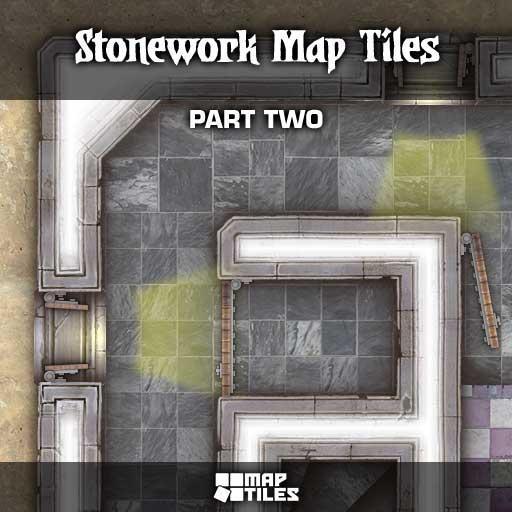
Designed for Dungeon Masters who enjoy building their own adventure maps and employing a simple block-by-block building method. The Stonework Map Tiles pack of art assets provides your inner cartographer with a collection of slate floors and carved grey stone walls.
Features:
Ideal for dungeon crawls, historical campaigns, or any setting that requires a rugged, stone-based environment, the Stonework Map Tiles offer endless possibilities for creative encounters. Bring your adventures to life and immerse your players in the heart of your campaign world with these premium tiles!
What is a Map Tile?
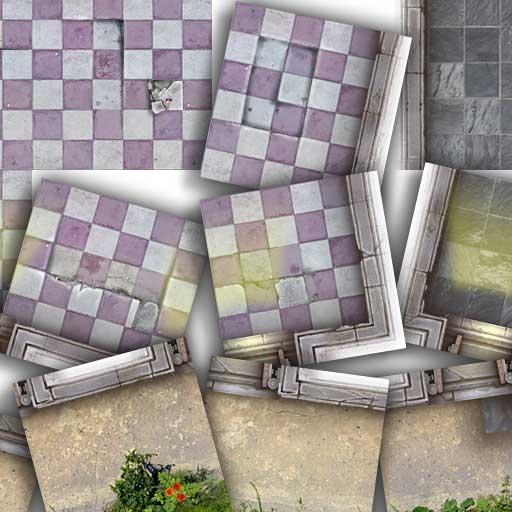
A map tile is an art asset that depicts a 5ft square area of terrain, created by blending photographic source material with hand-drawn artwork. Each map tile is rendered to a scale that depicts each real-world inch as three on-screen pixels. This provides us with a 5ft map grid square that equals 180 pixels in size.
Adventure Map Creation
Map Tiles from Studio WyldFurr are for the creation of adventure maps using a simple block-by-block building method. To create an adventure map, open a blank map and set the map grid so that each 5ft grid square measures 180 pixels in size. Then, using Roll20's own in-app tools, drag and drop each map tile art asset onto the map to build up the structure of a castle, dungeon, monster lair, etc.
If you wish to create large, complex adventure maps, import the map tile art assets into a program such as Photoshop, Gimp, or Clip Studio to build a large map. Then, once map building is completed, export a JPG image of the map for importing into your Roll20 campaign in order to add dynamic lighting data or map pins. Ready for your players to explore!
License: Roll20 End User License Agreement
(Personal Use Only, Do Not Distribute)