Play Now
Join a Game
Characters
Shop
Tools
Compendium
Community

Sign In

Play Now
Join a Game
Characters
Shop
Tools
Compendium
Community
Sign In
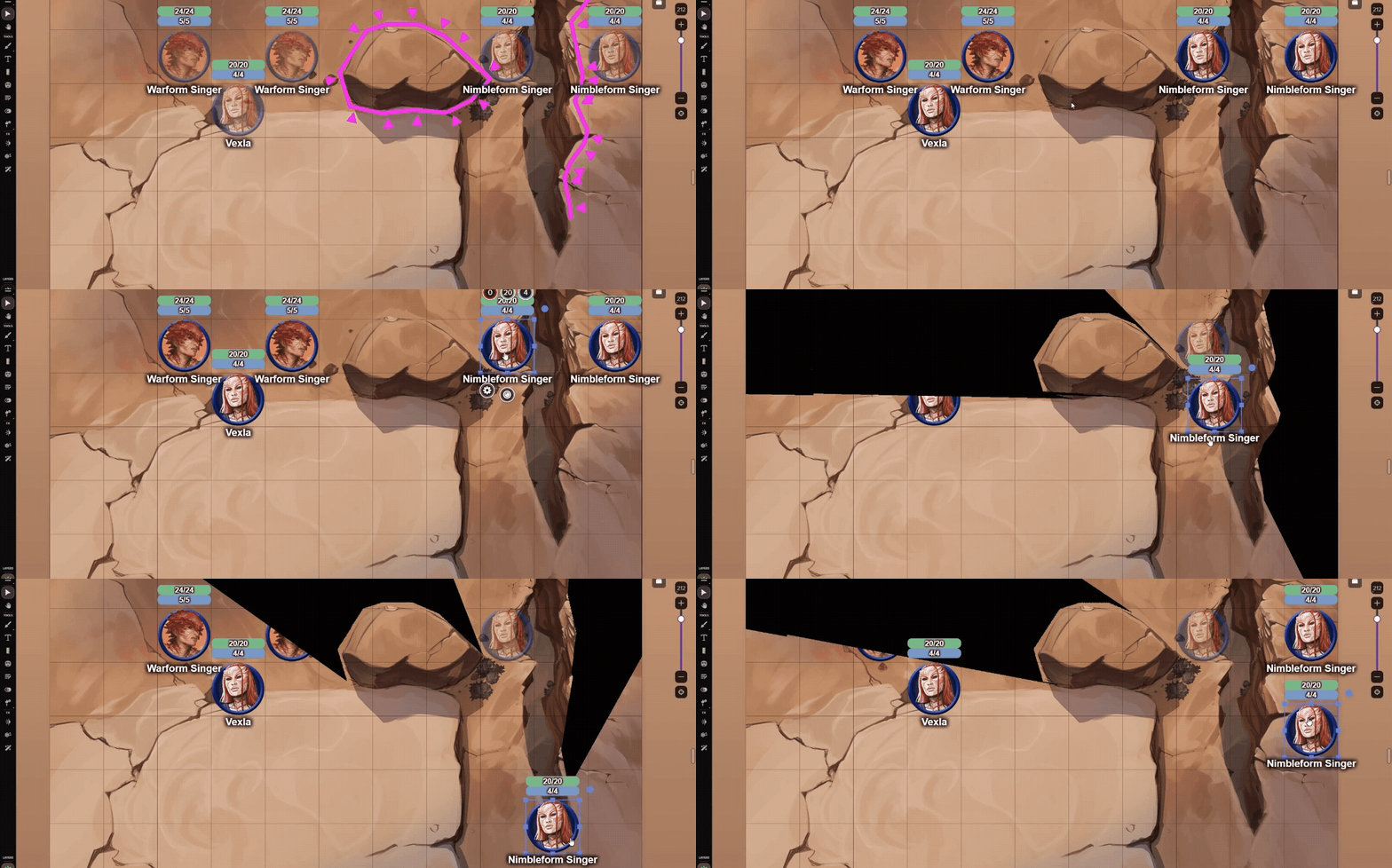
One-way dynamic lighting allows the Nimbleform Singers to watch from above, unseen by those below.
This adventure introduces players to the Cosmere RPG and its setting, the Stormlight Archive novels by Brandon Sanderson. While the Game Master (GM) will find it helpful to be familiar with this setting, players only need to know that it’s a unique fantasy world where characters’ oaths and actions determine the powers they can gain. The adventure’s goal is to provide the GM with tools to jump straight into the Cosmere RPG. It goes into more detail and includes more “read-aloud” text boxes than a typical adventure. Each scene introduces new game mechanics and campaign setting details. Our hope is that after playing this adventure, you’ll feel ready to run the Stonewalkers Adventure or even develop your own original adventures.
Digital Game
4 maps with Dynamic Lighting (for Plus and Pro subscribers)
7 Adversary character sheets, preset with all the stats you need to play them.
6 pregenerated characters to allow you to dive into the story with minimal Player Character prep
A Token Page displaying all the tokens with Health, Focus, and Investiture bars filled out.
Handouts with helpful tips for using the VTT
Digital Art Pack
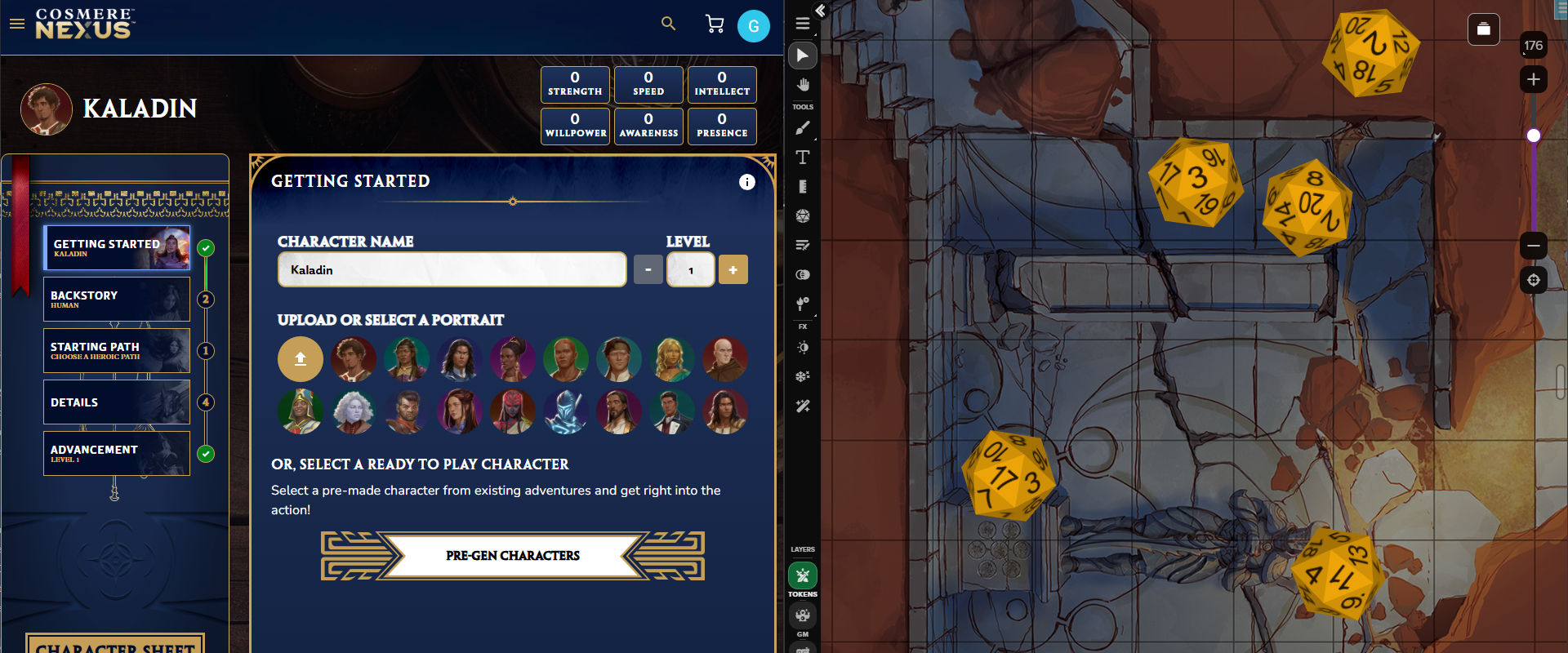
Cosmere Character Builder on Demiplane (left) alongside dice rolled on a map from the Bridge Nine Roll20 addon (right).
Digital Game
Make a New Game: When you create a new game with this Addon, make sure on the Create Game page to select the "Cosmere" character sheet for the game. Use this link to create a new game with this Addon.
Add to an Existing Game: From your game’s Game Details page, expand the Game Addons section. Then, select an addon from the list or search by name. Click the “Add to Game” button
Digital Art Pack
Roll20 Tabletop: Go to the Art Library tab, click Premium Assets, select 'Bridge Nine Art Pack'. Drag tokens to the tabletop.
Is the Bridge Nine PDF available?
A PDF is not included with your purchase. You can purchase a PDF from DriveThruRPG.
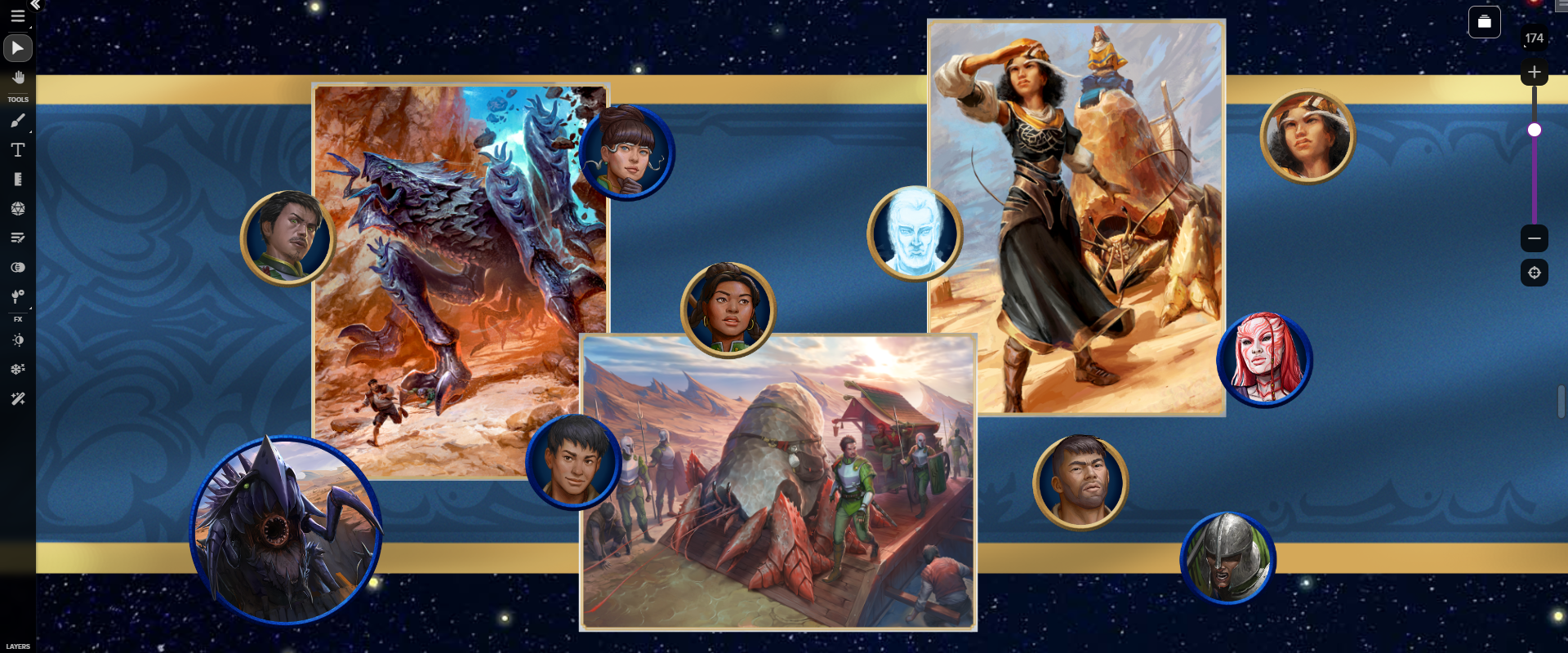
A selection of tokens and portraits from the Bridge Nine Art Pack, displayed on the Roll20 virtual tabletop.
License: Roll20 End User License Agreement
(Personal Use Only, Do Not Distribute)